A visual inspiration workbench for AIGC creators

SEE IT.
VIKO IT.

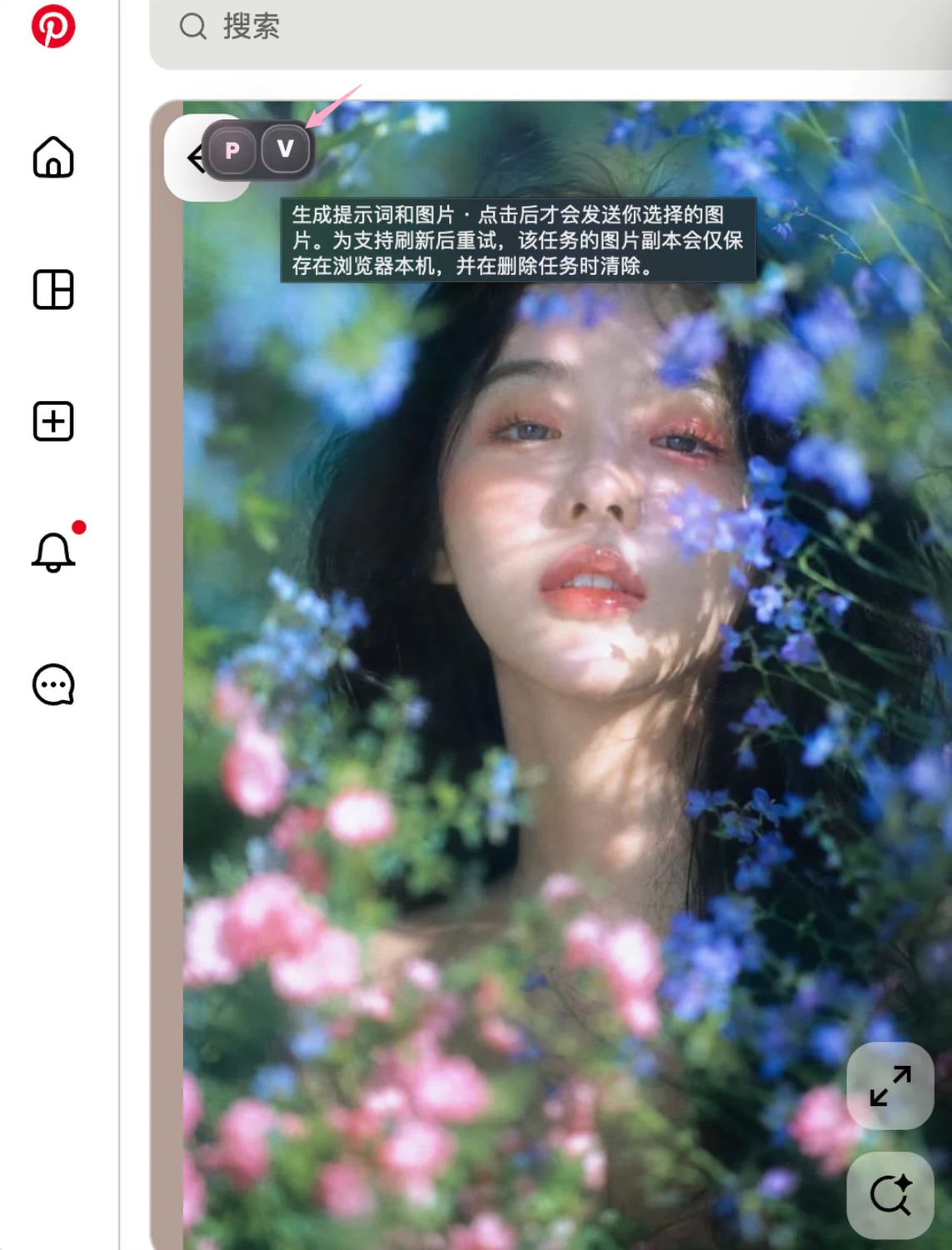
See a good image? Viko it.

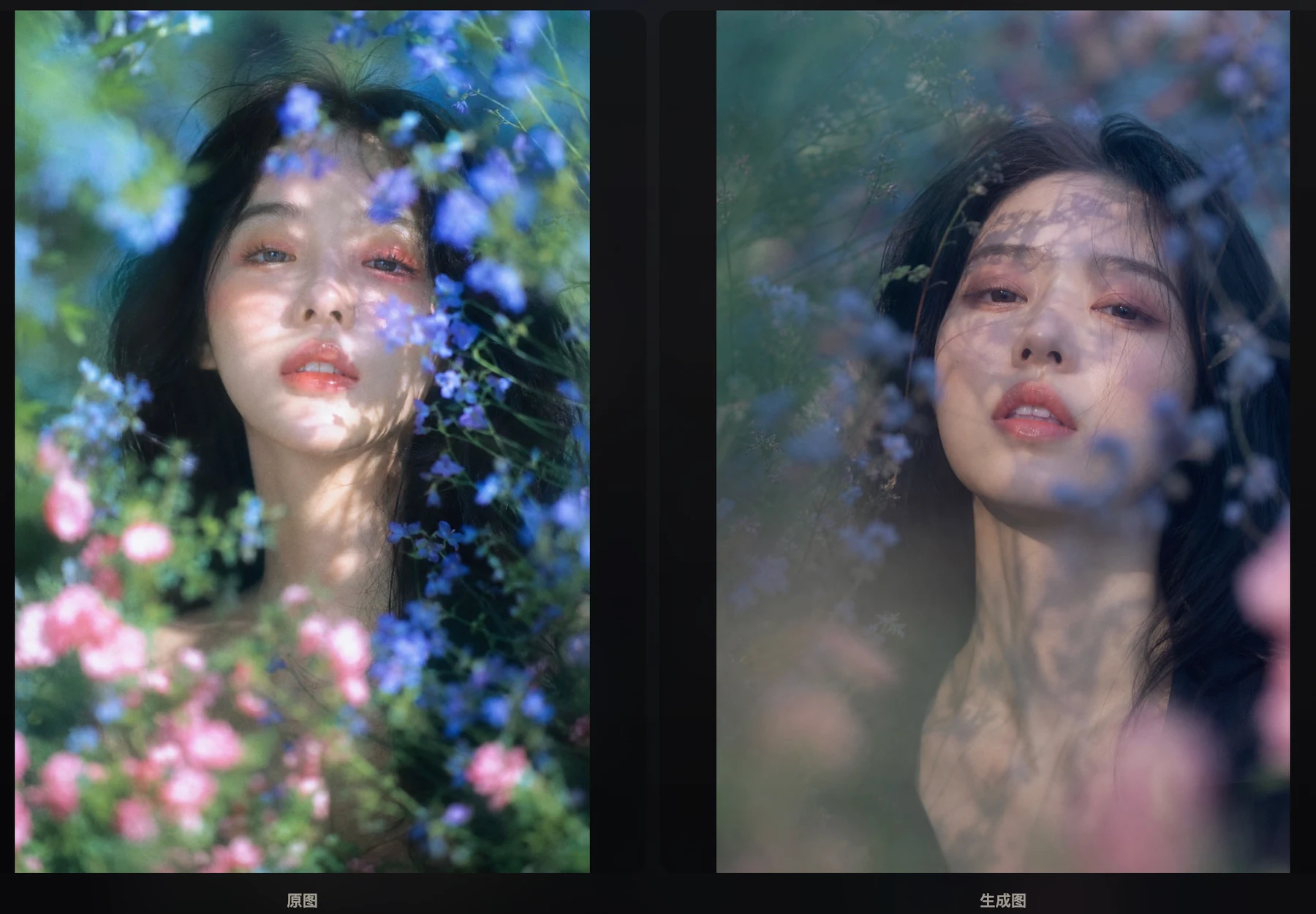
When an image stops you mid-scroll, don't just screenshot it. Viko deconstructs the frame, reverses it into a usable prompt, branches new directions, and saves image plus prompt to Eagle — so inspiration leaves your bookmarks and becomes your next starting point.

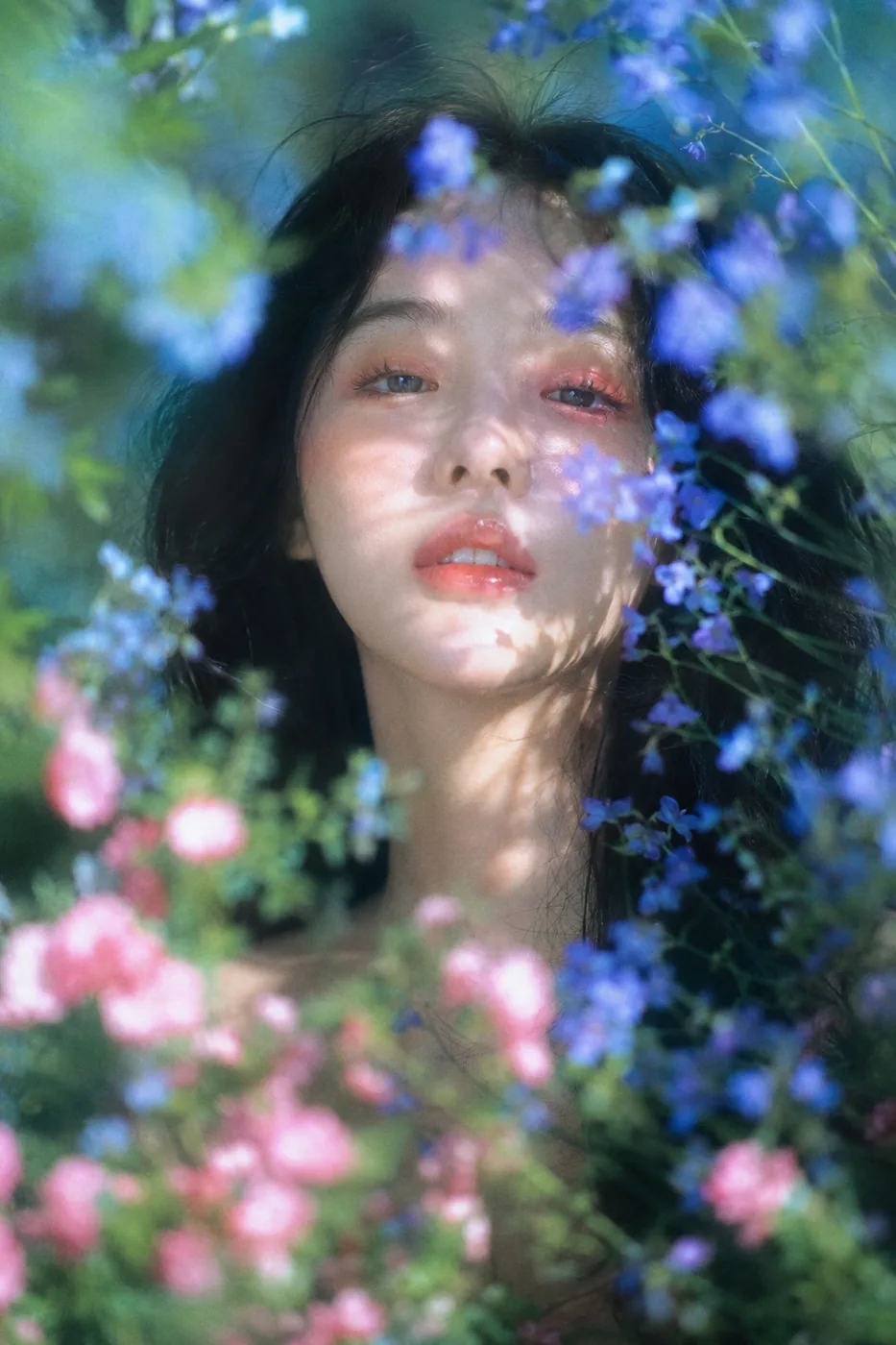
fig.01 — reference
style · sweet K-portraitcomposition · centered close-uplight · warm interiorpalette · soft pink, low contrast
§01The problem

A thousand saved references, and you still start from zero

Screenshots pile up, but it's hard to say why an image works, and harder to carry its character into your own work. Viko isn't about storing images — it's about turning one image into a real creative asset.

A good reference shouldn't just be replicated. It should be understood, taken apart, translated — and kept growing.
  1. note.1

    Saved a lot, reused little

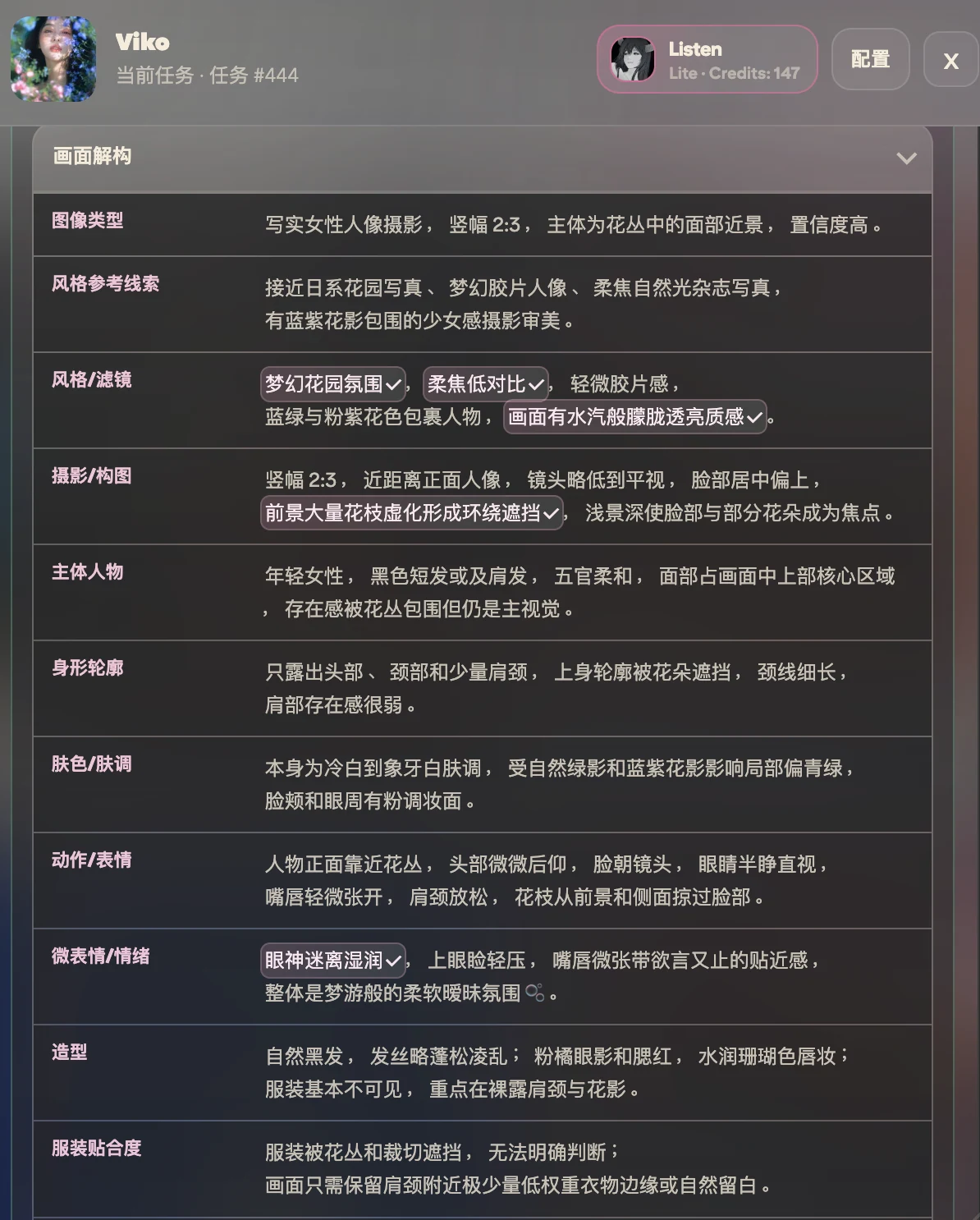
    References are hard to find again, and harder to explain. Viko breaks an image into style, composition, light and color — legible information that settles alongside its prompt.

  2. note.2

    Reverse tools drift into replication

    Many tools output walls of JSON chasing 1:1 reproduction — useless for actual creation. Viko writes natural-language prompts for GPT image models, made to create with, not to copy.

  3. note.3

    Character is hard to transfer

    An image's value lives in its style, lens feel, mood and visual order. Viko deconstructs those first, then helps you branch new directions inside the same visual system.

§02The core triangle

Deconstruct, reverse, variate

Viko's core revolves around three moves — understand the frame, turn it into a prompt, branch new directions.

01Deconstruct

Deconstruct

Break the reference into what creators actually need: style, composition, lighting design, color relationships, texture, lens language, mood, and transferable visual keywords.

  • style
  • composition
  • light
  • color
  • lens
02Reverse

Reverse

Output natural-language prompts and keyword phrases built for GPT image models. Never JSON. The core character stays; the words stay usable.

  • natural language
  • keyword phrases
  • No JSON
03Variate

Variate

Generate new directions that keep the original's character: same style, different subject; same composition, different scene; same light, different story.

  • same style
  • same framing
  • same light
  • series
§03Workflow, recorded

From an image on a webpage to a saved creative asset

Everything happens on the page you're already browsing — no tab switching, no copy-paste.

rec.01 — full session on Pinterest, not sped up
§04Adapted by scene

Different images deserve different readings

A poster and a portrait shouldn't be understood the same way. Viko tailors its deconstruction to common AIGC scenarios.

Layout order, type-image relations, hierarchy and color strategy.

§05Advanced abilities

A full workflow grows around the triangle

From understanding one image to managing an entire visual knowledge base.

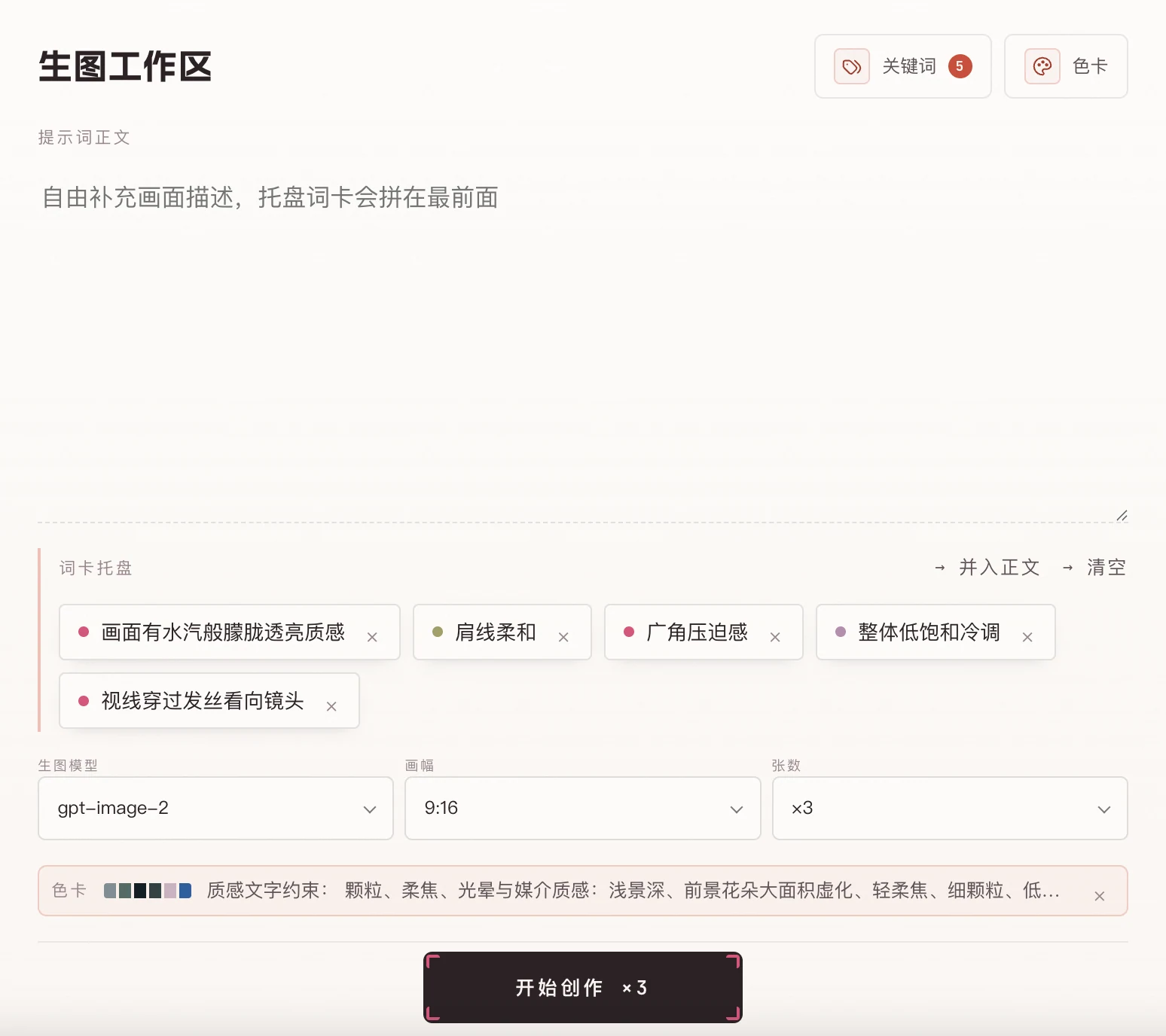
  • Direct generation

    Reference to prompt to new image in one line — validate prompts instantly.

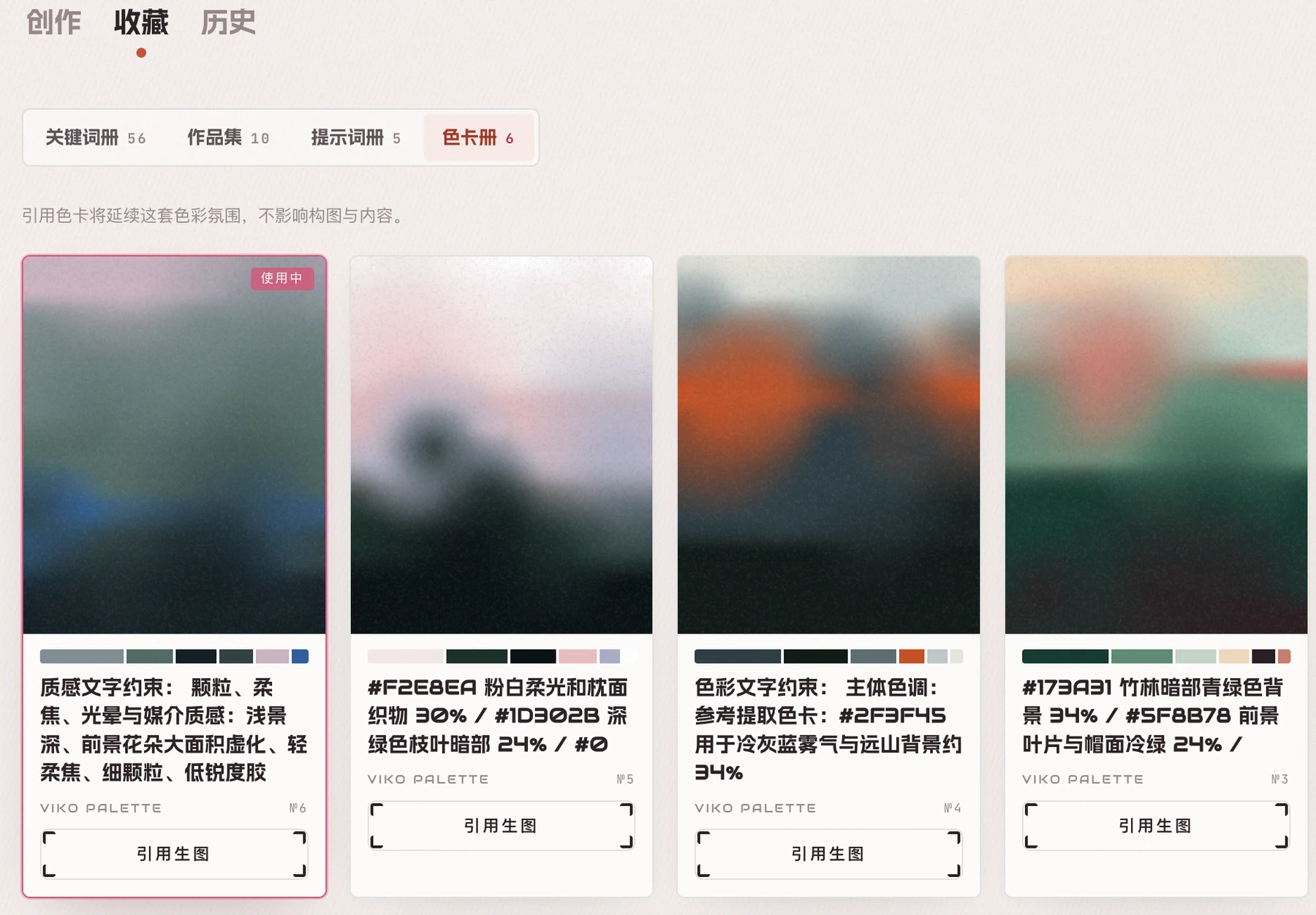
  • Palette

    Extract an image's color order and carry the same atmosphere forward.

  • Pose reference

    Make complex poses and difficult perspective legible to models.

  • Save to Eagle

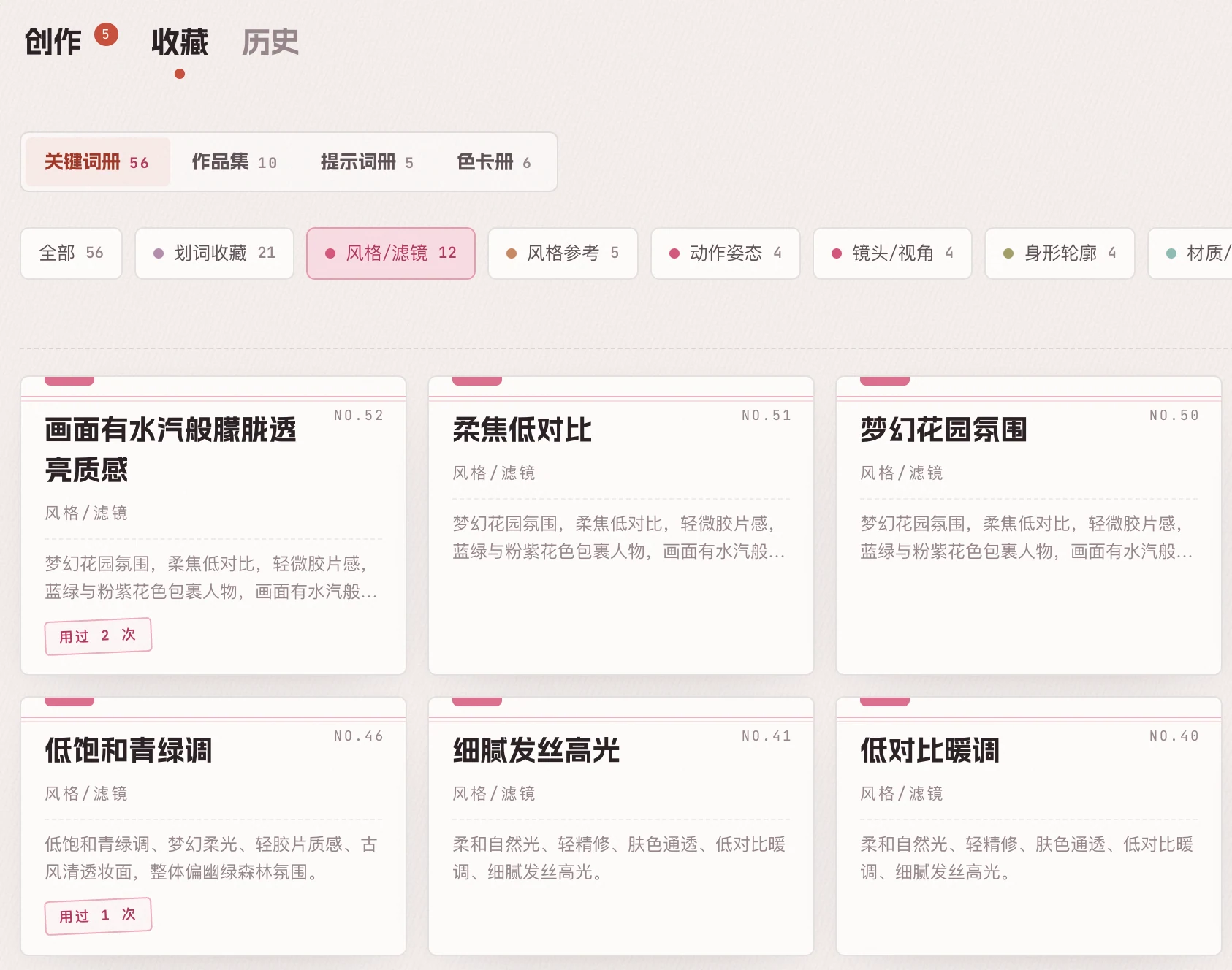
    Image, prompt and deconstruction enter your local library together.

  • Cloud sync

    Prompts and deconstruction records stay consistent across devices.

  • Concurrency

    Process several images at once — inspiration doesn't queue.

See all product abilities

Start free, grow with your practice

Free covers basic reverse prompting with your own API. Lite, Plus and Pro progressively unlock deconstruction, variations, palettes and concurrency.