Save one image
Save a completed result from its panel or task details, together with relevant creative information.
Eagle workflow
After reversing a reference and generating in Viko, save selected work to Eagle on your computer. Keep images, prompts and tags in a library you can return to.
The extension requires desktop Chrome. Already have an account? Open the studio
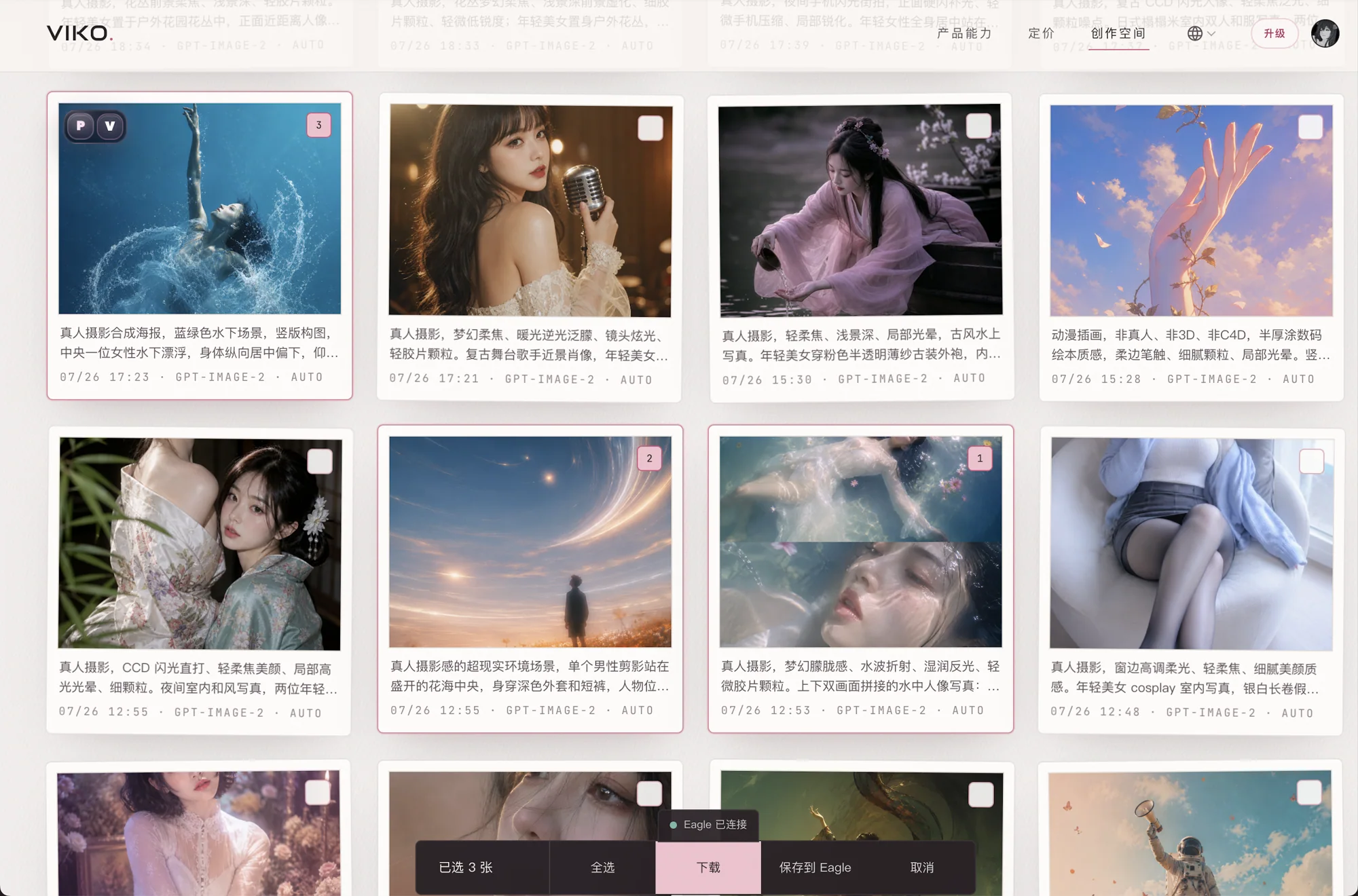
Save a completed result from its panel or task details, together with relevant creative information.
Select tasks in history, save them together and check the success and failure counts.
Use default tags and source information to organize work in your own Eagle library.
Install and run Eagle on this computer. Its local API must be available; the default port is 41595.
Enable Eagle in the Viko extension settings, set the local endpoint and default tags, then test the connection.
Click Save to Eagle on a completed generation, or select multiple tasks in history and use bulk save.
CREATIVE NOTES
If Eagle already holds your references, use Viko for reverse prompting and generation, then archive the results you choose alongside the rest of your project.
FAQ
Yes. Eagle is an independent desktop asset manager. Viko does not include an Eagle software license.
No. Content is sent to the local Eagle service only when you explicitly save it.
Check that Eagle is running, the Viko integration is enabled, and the endpoint and port are correct. Test the connection before saving.
This integration is intended for the desktop computer running Eagle. The default localhost endpoint does not reach another device.