Start a reverse
- Hover an image and click P (create prompt) on the floating ball, or right-click and choose Viko: reverse prompt;
- Wait a few dozen seconds;
- The panel returns a natural-language prompt plus the image breakdown.
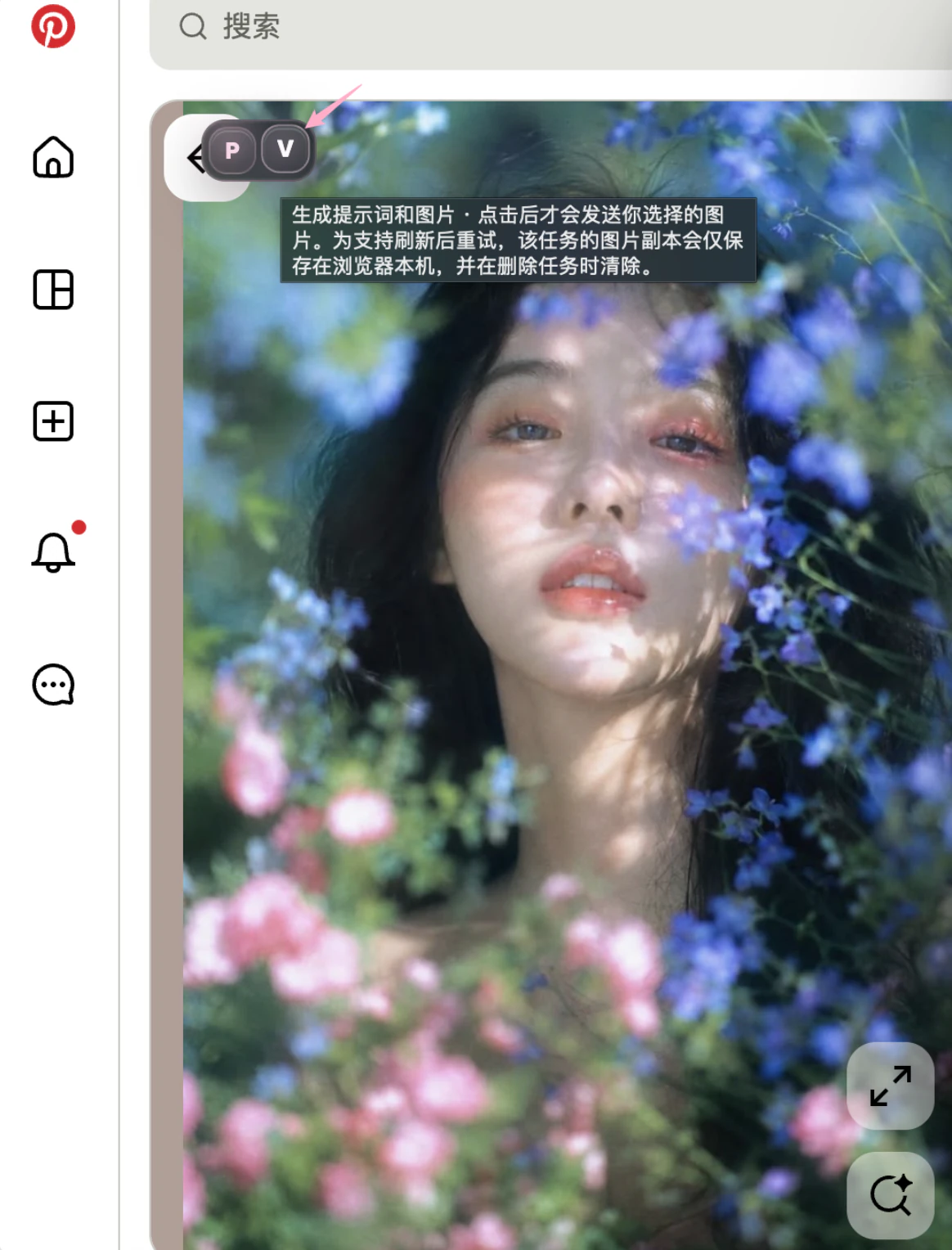
Each reverse costs 1 credit, refunded automatically on failure. The image is sent only when you click.
Pick a prompt precision
Set in the extension settings; applies to subsequent reverses:
| Precision | Output | Best for |
|---|---|---|
| Standard (default) | Clean, redundancy trimmed | Quick derivative work, daily creation |
| High precision | Covers all key breakdown parameters: camera, composition, color, lighting, materials | Complex posters, high-fidelity character work |
Output a variant prompt
An optional switch in settings, off by default, no extra credits:
- The reverse additionally returns a same-style variant prompt: the core visual system is kept, a few concrete dimensions change;
- Use it when you want both a close-to-reference starting point and a differentiated one;
- The variant can be edited, saved and generated from, just like the main prompt.
Edit the prompt, then generate
- The prompt in the panel is an editable text box — change it directly; edits are kept on the task;
- Then click Generate (6 credits per image) — see generate on the current page;
- Keep prompts that proved effective in your prompt book from the task detail, and reuse them next time.
The reverse failed
Credits are refunded automatically; causes and fixes are in the troubleshooting guide.