Start a generation
Three ways:
- Hover an image and click V (create prompt and image) on the floating ball — generation continues automatically after the reverse, 7 credits total;
- After a reverse, click Generate in the panel;
- Or right-click an image and choose Viko: reverse and generate.
Each image costs 6 credits, refunded automatically on failure.
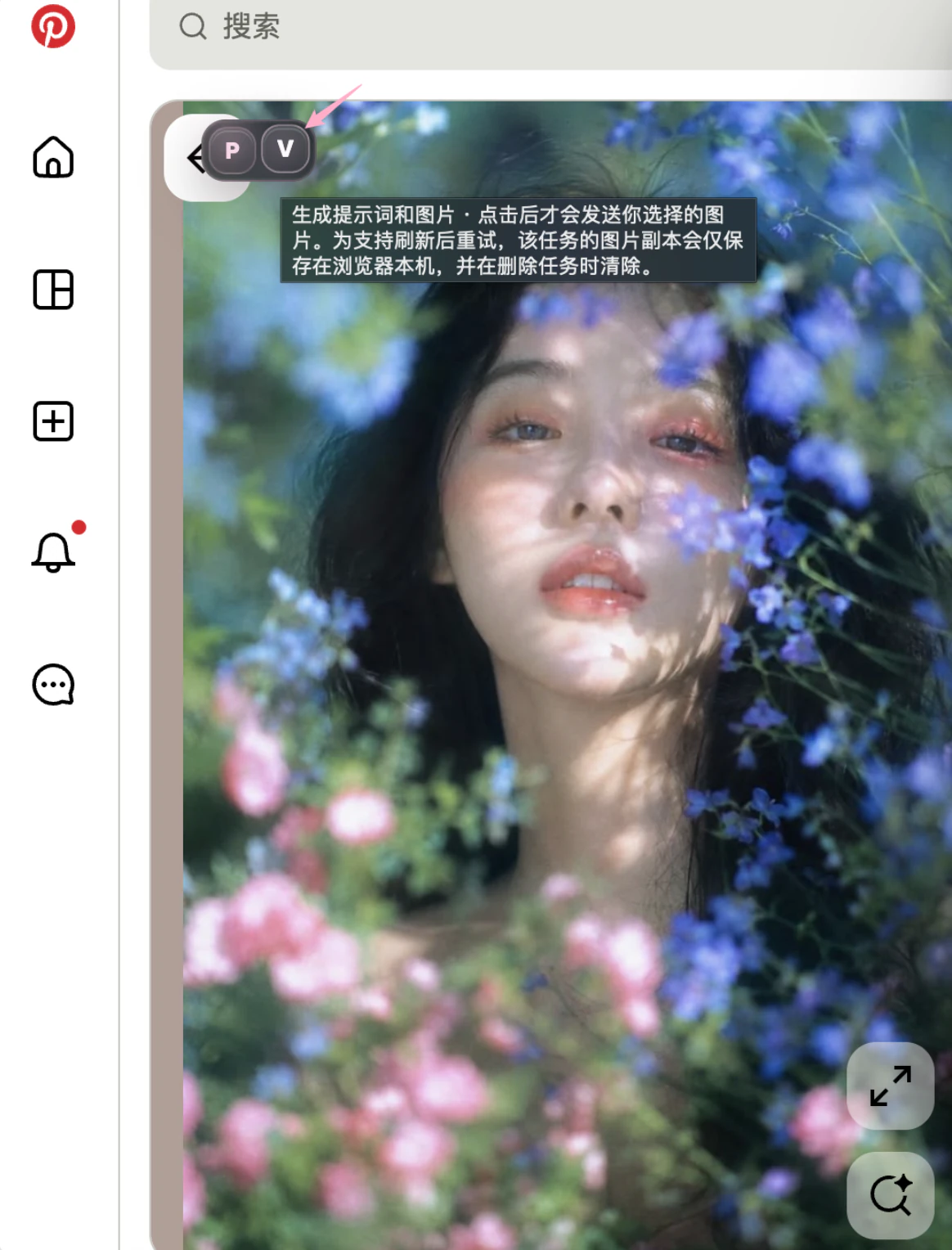
The image is sent only when you click; to support retrying after a refresh, a local copy is kept in your browser only and cleared when the task is deleted.
What you can choose
| Option | Notes |
|---|---|
| Image model | Default set in the extension settings |
| Aspect ratio | 10 options: 1:1, 2:3, 3:2, 3:4, 4:3, 9:16, 16:9, 4:5, 3:1, 1:3; the closest match to the reference is picked by default |
| Resolution | Currently 1K |
With pose reference mode on, a generation costs an extra 6 credits for the pose reference.
The task runs in the cloud
- After submitting you can close the tab and keep browsing — the task is unaffected;
- Its state syncs live to the panel and the studio History; state meanings are in the task states dictionary;
- When done, view it in the panel, or compare reference and result in the studio task detail.
Credit quick reference for common combos
| Combo | Credits |
|---|---|
| Reverse only | 1 |
| Reverse + generate | 7 |
| Reverse + pose reference + generate | 13 |
| Palette reference + generate | 6 |
| Palette + pose reference + generate | 12 |