Why packs exist
Batch results do not trickle in one by one — they are sealed into a pack on completion, revealed together when you are ready. While a batch generates, you can keep drawing cards and staging the next one.
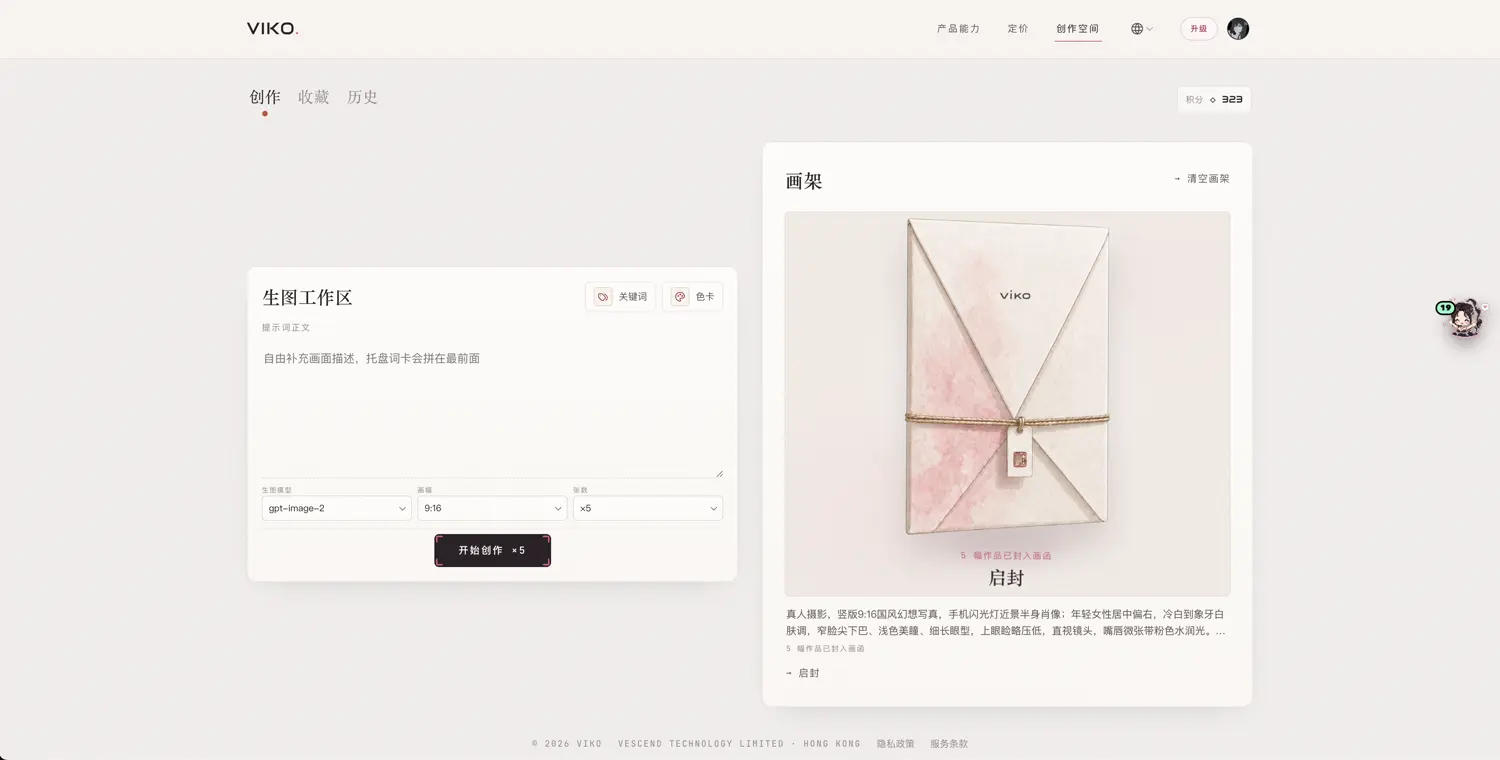
Reveal and flip
- When the pack shows ready to reveal, drag to unseal it;
- Flip cards one by one, or choose flip all;
- Each work can be inspected in detail, downloaded, and — for the keepers — archived.
What archiving means
- Archived works enter your works library, keeping their link to the prompt, model, aspect ratio and source task;
- Unarchived images are not lost: they stay on the task and remain viewable, downloadable and archivable later from History;
- Flipping and archiving are local organising actions — 0 credits.
Partially complete packs
When some images in a batch fail, the pack still opens for the finished part; the rest can be completed later — see partial completion, failures & recovery.